BloomMoment
光合时刻
A small daily check-in. Five cards, one photo, five minutes.
每天一次的小记录。五张卡片,一张照片,五分钟。
A small daily check-in. Five cards, one photo, five minutes.
每天一次的小记录。五张卡片,一张照片,五分钟。
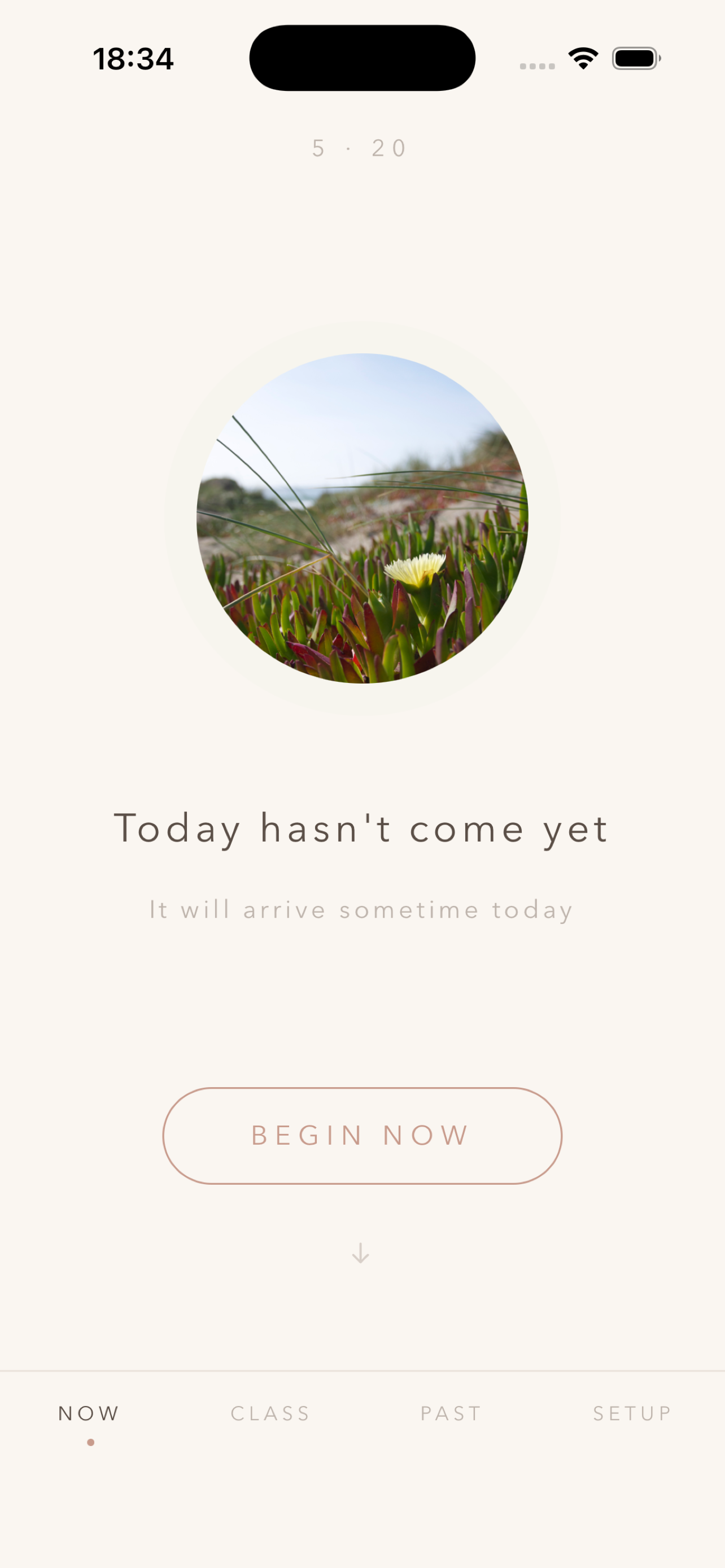
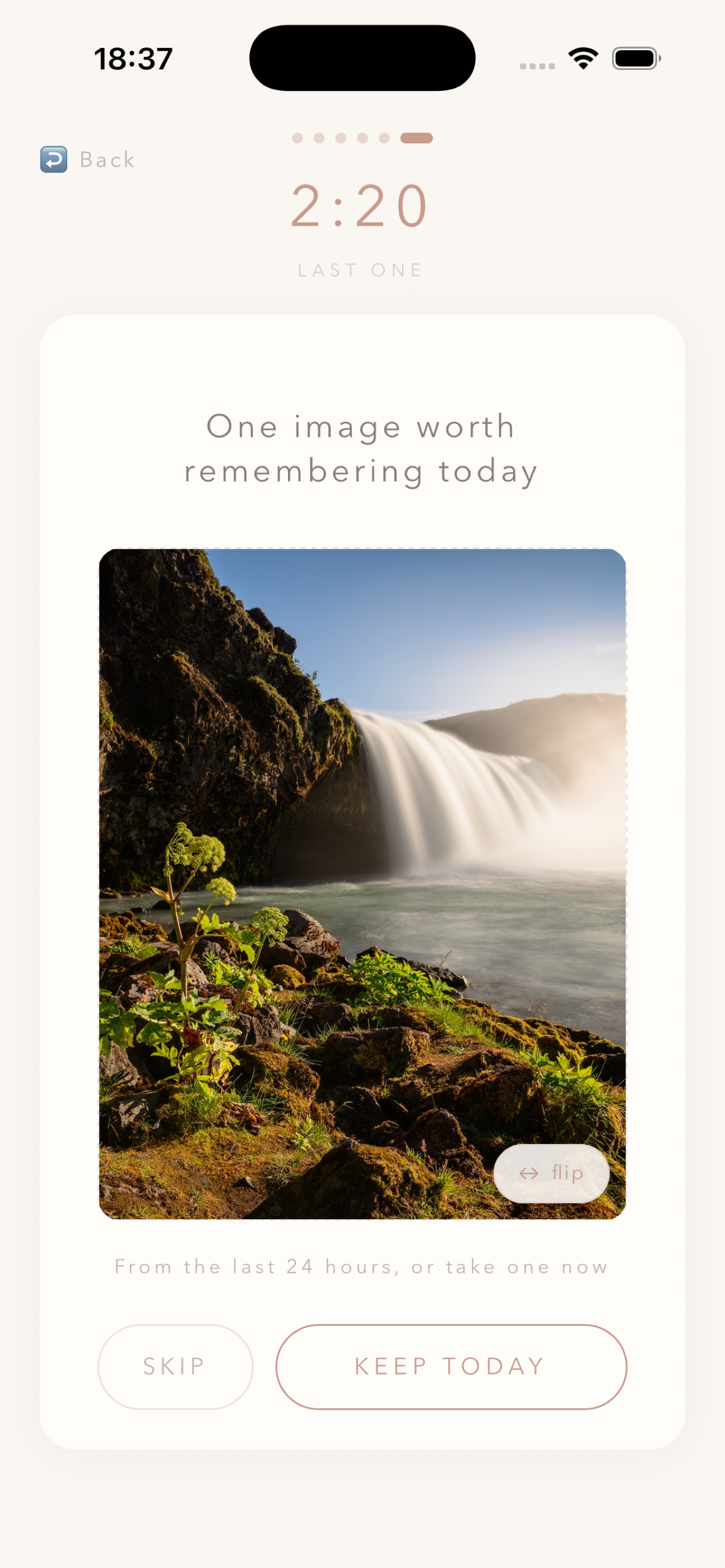
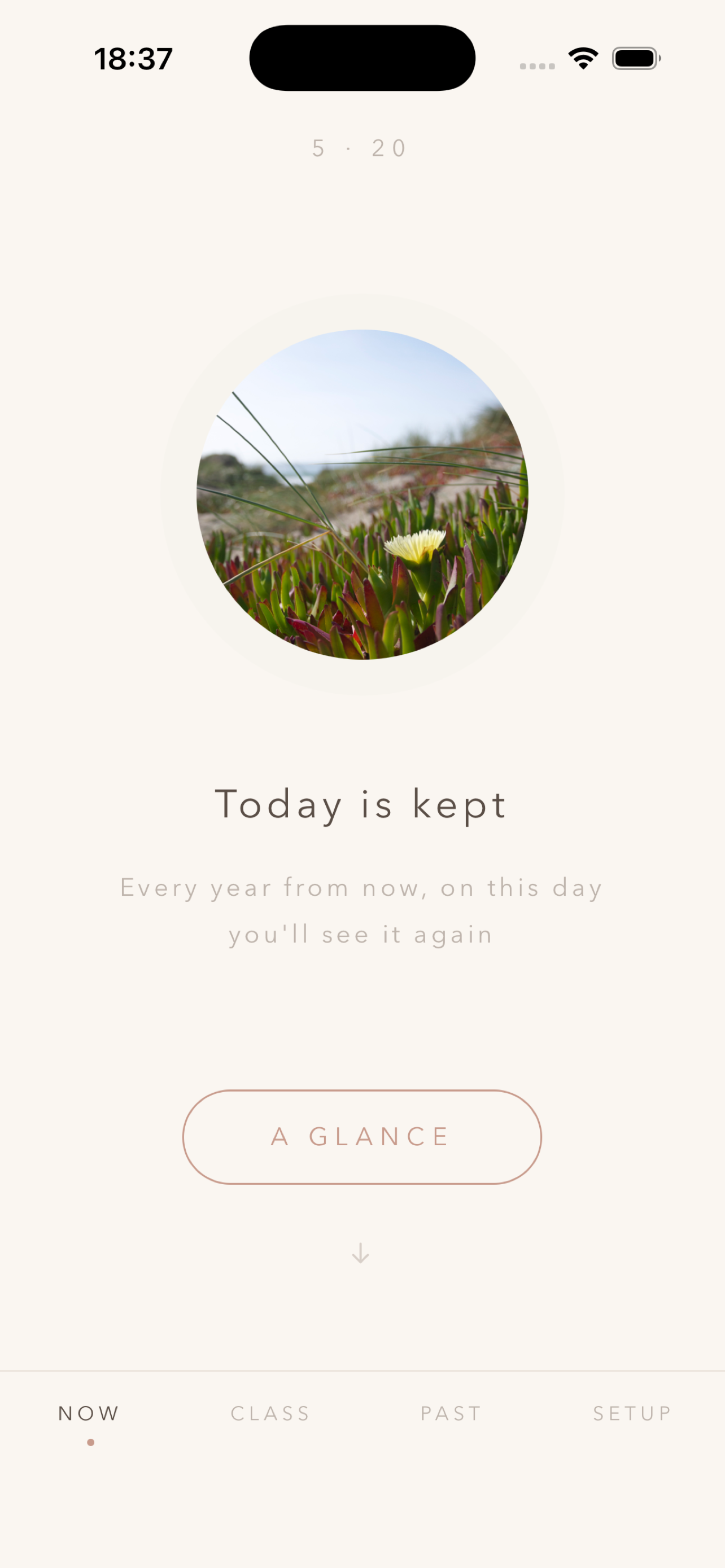
BloomMoment is a tender, local-first daily check-in. Once a day, at a random moment, the app invites you to pause: swipe through five short prompt cards, keep one photo of today, and that day is quietly saved.
「光合时刻」是一款温柔的本地化日常记录应用。每天某一刻,App 会邀请你停一下:滑过五张提示卡,留一张当天的照片,这一天就被静静地保存下来。
The cards themselves can be affirmations (for example, "Today I was kind to myself", "I let myself rest") or questions (for example, "What's one small thing that happened today?", "What do you want next-year-you to remember?"). Pick whichever check-in style fits you, or write your own.
卡片本身可以是肯定句(比如「今天我善待了自己」、「今天我允许自己休息」),也可以是问题(比如「今天发生的一件小事是什么?」、「希望明年的自己还记得什么?」)。选你喜欢的打卡方式,也可以自己写。
No account. No cloud. No third-party tracking. It pairs naturally with Run2Achieve Ltd's group coaching and 1-on-1 sessions; reflections from a session can be carried forward through your week, in your own private space.
没有账号,没有云端,没有任何第三方追踪。它也可以和 Run2Achieve Ltd 的小组教练课程或 1 对 1 课程配合使用,课上讲到的觉察可以通过这款 App 在日常里慢慢沉淀。
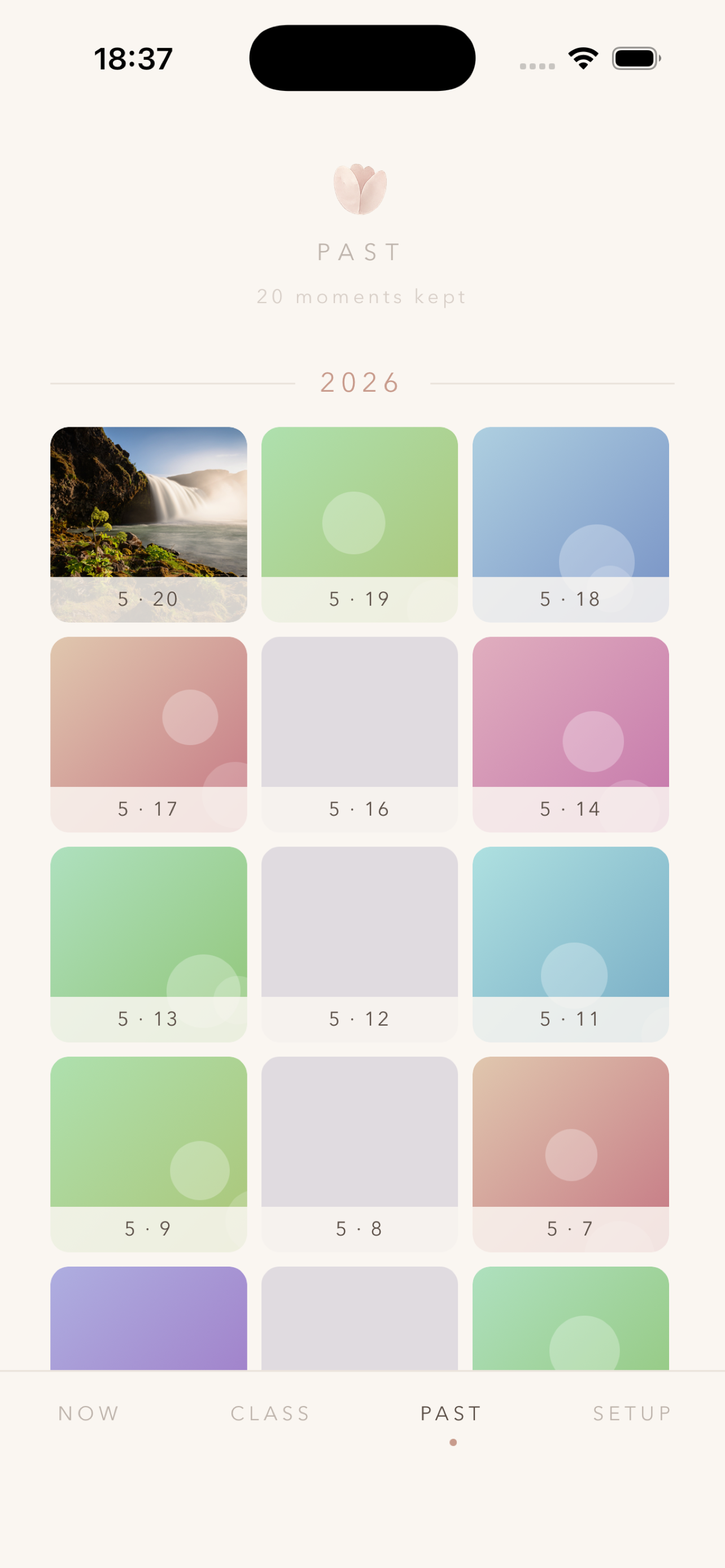
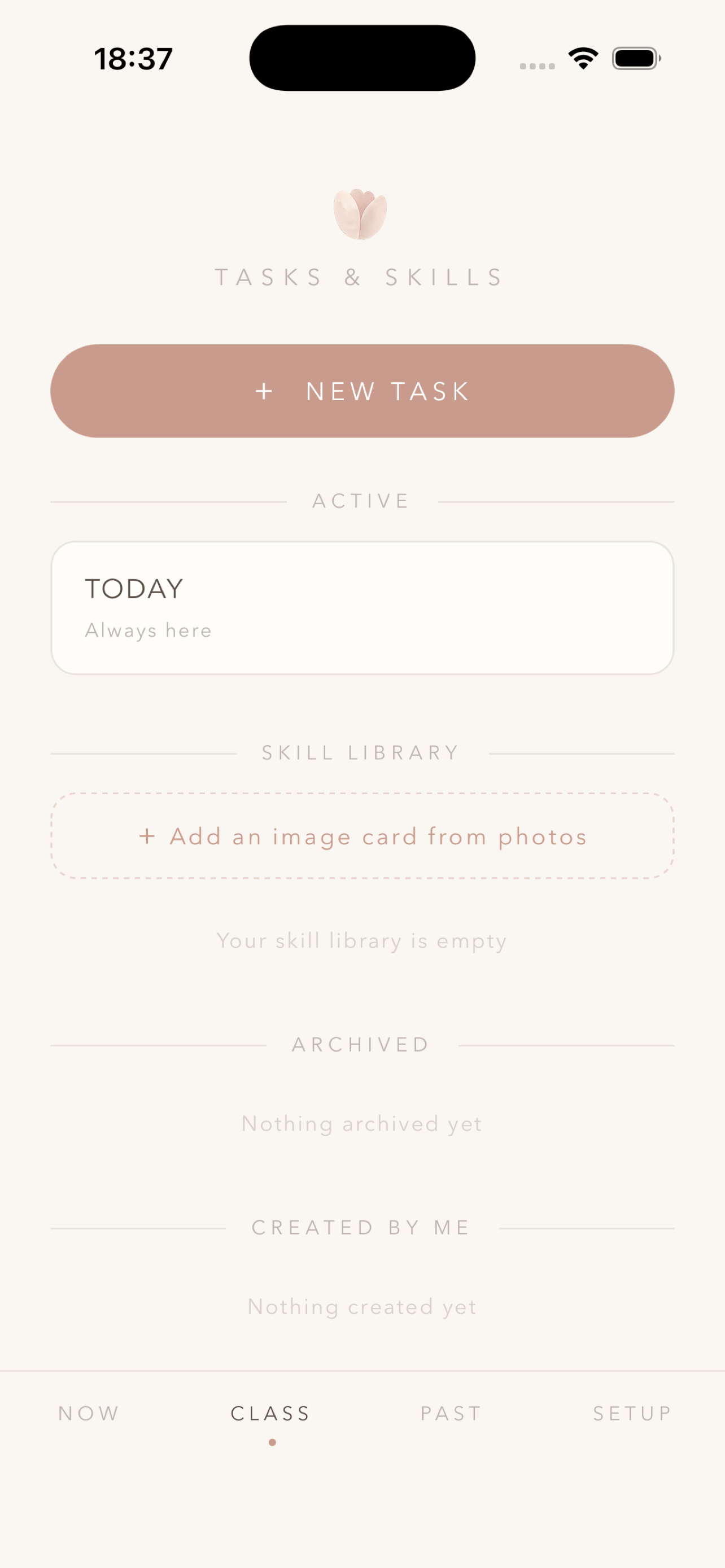
Everything stays on your device. BloomMoment stores your diary entries, photos, settings, custom cards, and tasks only in the app's private sandbox on your phone. There is no backend server, no account system, no analytics SDK, no third-party tracker, no advertising network. Uninstalling the app removes everything.
所有数据都只保存在你的设备本地。「光合时刻」会将你的日记记录、照片、设置、自定义卡片和任务全部存储在 App 的本地沙盒中。没有后端服务器,没有账号系统,没有数据分析 SDK,没有第三方追踪器,没有广告网络。卸载 App 即删除一切。
Hit a bug, want to request a feature, or just want to say hi to the developer? Send us a message:
遇到了 bug、想提建议,或者只是想跟开发者打个招呼?给我们发条消息吧:
Email us 发邮件给我们 contact@run2achieve.info1. What if I miss the 5-minute window? No worries. Tomorrow brings a new moment. The missed day stays blank in your diary.
1. 错过了 5 分钟窗口怎么办?没关系,明天还有新的瞬间。错过的那天在日记里就空着。
2. I didn't get a notification. Check iOS Settings → Notifications → BloomMoment is enabled, and in the app's Settings tab confirm the notification frequency (daily / every 2 / every 3 days).
2. 没收到通知怎么办?到 iOS 设置 → 通知 → 光合时刻 确认通知已开启,然后在 App 内「设置」标签里确认通知频率(每天 / 每 2 天 / 每 3 天)。
3. How do I write my own prompt cards? Open the Task tab, tap "+ New task", write a title and one or more prompts (one per line). Choose "Active now" with how many days to run, or "Later" to keep it as a draft until you're ready.
3. 怎么自己写提示卡?进入「任」标签,点「+ 新任务」,写标题和卡片内容(每行一张)。选「现在启用」+ 想要运行的天数,或者选「以后再说」存为草稿,之后再启用。
4. Can I share my prompts with someone else? Yes. When creating a task, check "Generate share code for others". A QR code and link are produced; the other person scans or taps to import the same prompts into their own app.
4. 我可以把卡片分享给别人吗?可以。创建任务时勾选「生成分享码给别人」,App 会生成二维码和链接;对方扫一下或点一下就能把同样的卡片导入他们自己的 App。
5. Where is my data stored? All on your device, in the app's private sandbox. There's no cloud sync and no data export yet. Uninstalling the app deletes everything.
5. 我的数据存在哪里?全部只在你的手机本地,在 App 的私有沙盒中。目前没有云端同步,也还没有数据导出功能。卸载 App 即删除一切。